Private
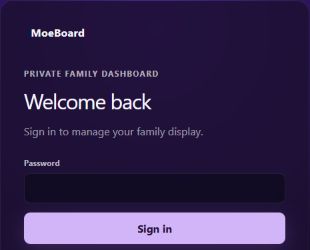
Settings, family media, and calendar connections stay on the Raspberry Pi inside our home network.
 ARTISTIC 3D PRINTSNORTH PORT, FLExplore the projects
SOFTWARE PROJECTS
Programming lets Maurice work the same way he approaches a 3D print: notice a real problem, build an idea, test it in daily life, and keep refining until it becomes useful.
SELF-TAUGHT
•BUILT FROM REAL NEEDS
•TESTED IN DAILY LIFE
PROJECT 01 · RUNNING AT HOME
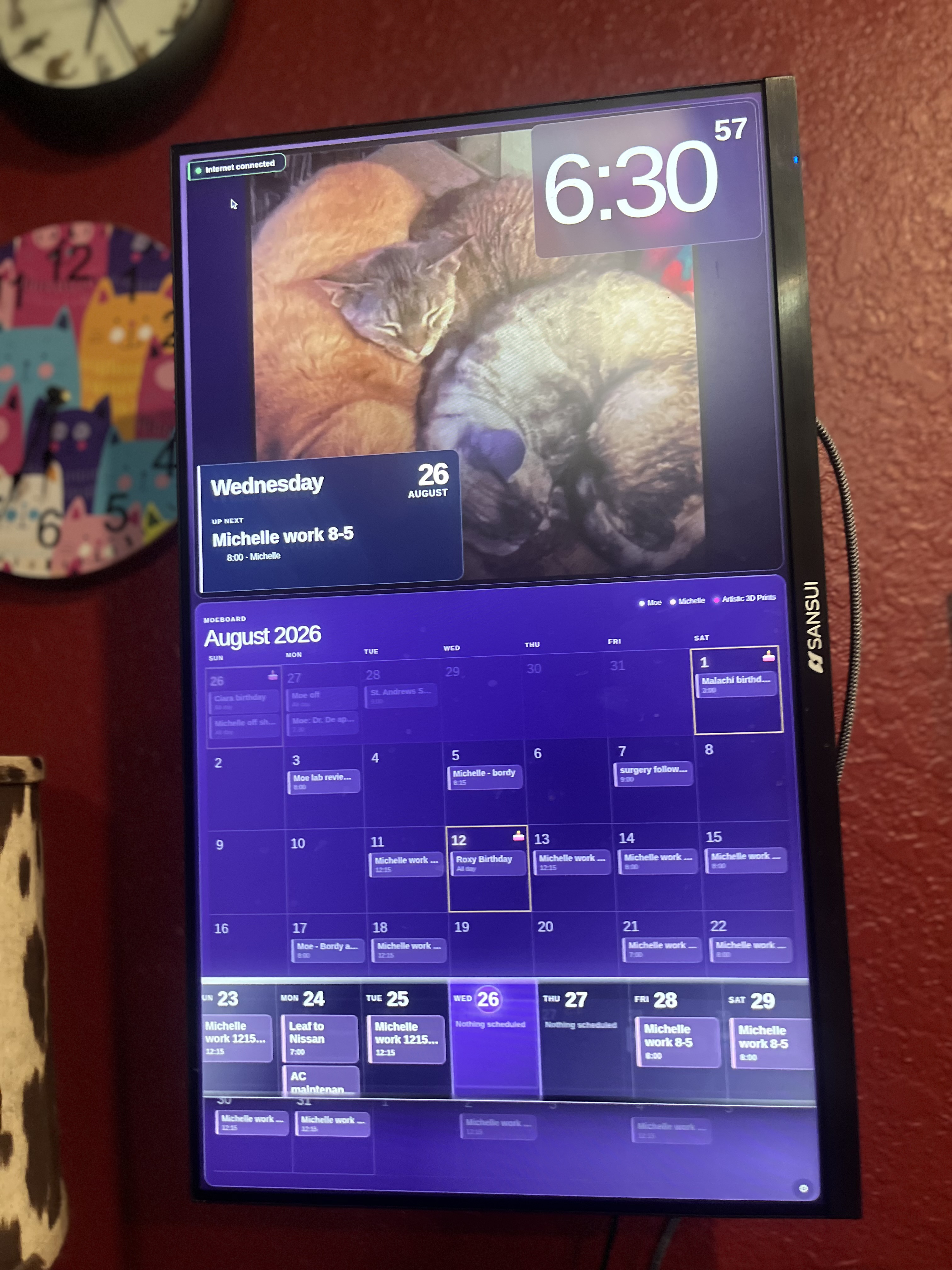
DAKboard showed us how useful a wall-mounted family display could be. Maurice wanted more control over the experience, private local operation, offline media, and no monthly software subscription—so he taught himself how to build the version our home needed.
PERSONAL PROJECT · NOT A PRODUCT FOR SALEFamily, beautifully in view.
Settings, family media, and calendar connections stay on the Raspberry Pi inside our home network.
Multiple read-only calendars, celebration highlights, and a weekly view keep the household in sync.
Saved photos and compatible videos remain available during a brief internet interruption.
Automatic startup, service recovery, calendar caching, and portrait restoration help the display look after itself.
IDEA · TEST · IMPROVE
MoeBoard runs on a Raspberry Pi 5 connected to a 24-inch vertical monitor. Real household use shaped larger event titles, celebration handling, fairer photo rotation, dependable portrait orientation, protected settings, and automatic recovery.
“I did not set out to copy DAKboard. I set out to build the version our home needed.”
PROJECT 02 · IN DEVELOPMENT
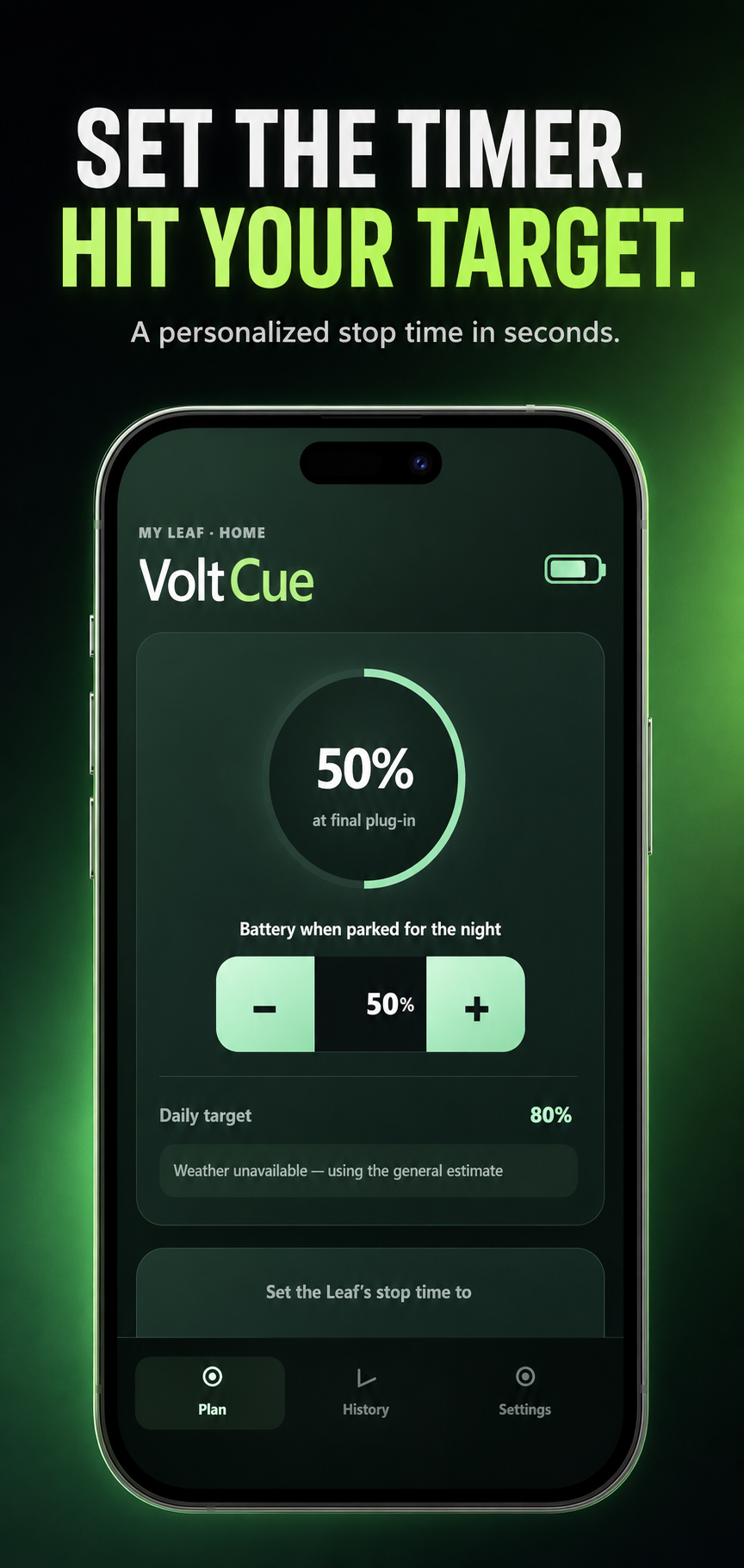
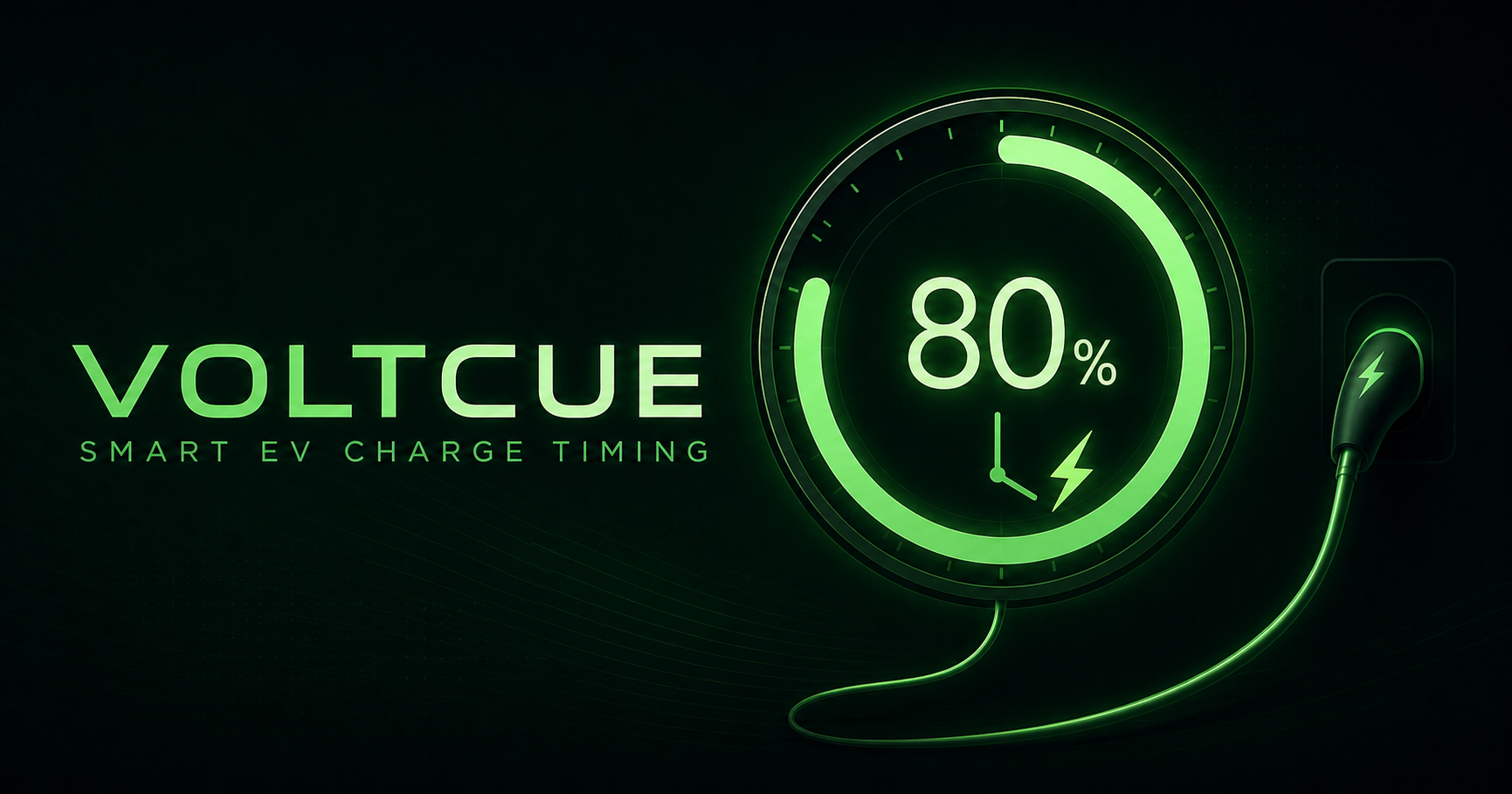
VoltCue is being built for U.S.-market 2018–2025 Nissan Leaf owners who want help choosing a charging-timer stop. It uses the battery level at final plug-in, the driver’s target, charging setup, and personal history to recommend a Leaf-compatible timer setting.
HONEST PRODUCT STATUS
VoltCue is an active commercial project, but it is not yet available in an app store. Signed internal builds are being tested while device coverage, accessibility, recovery, privacy, safety, support, and store requirements are completed.
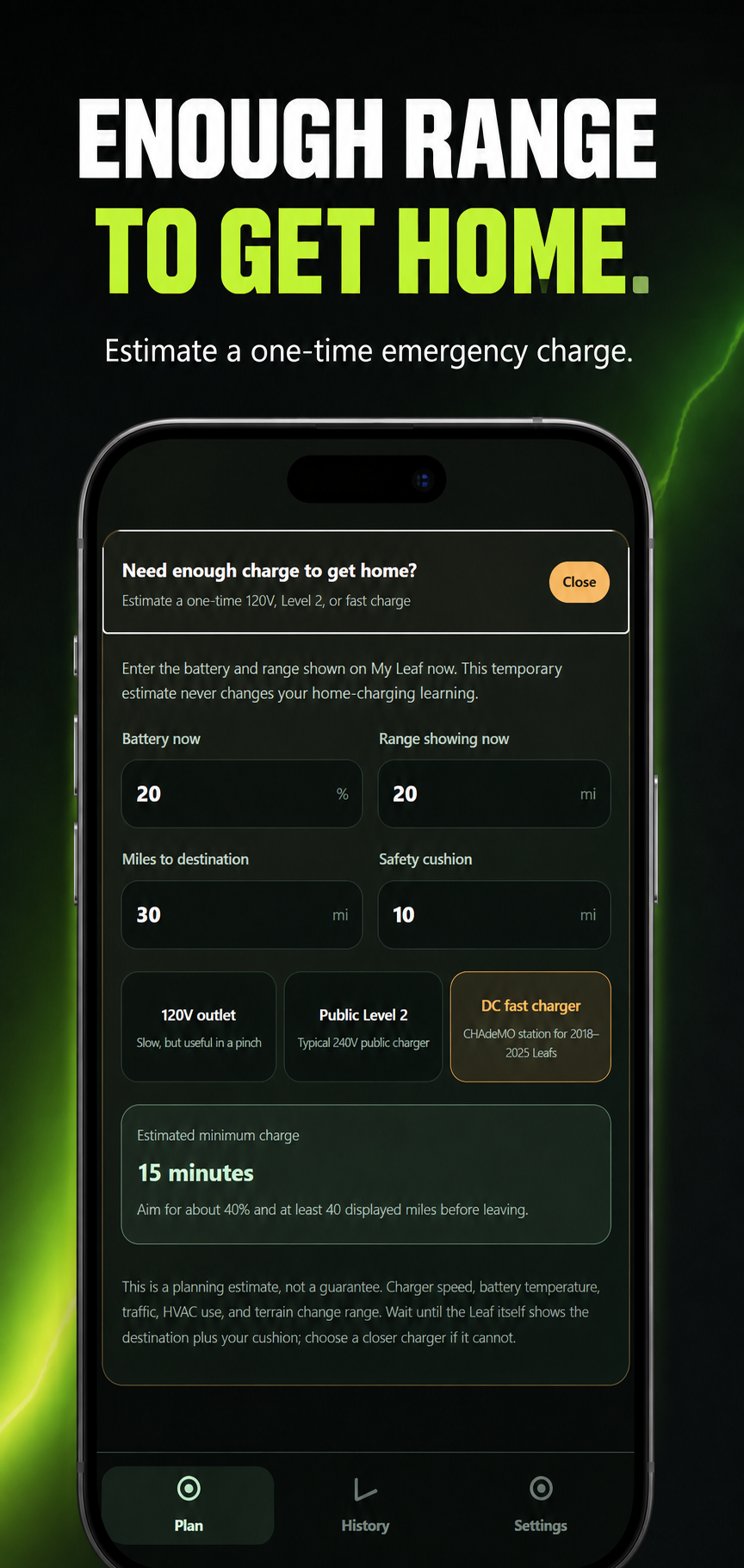
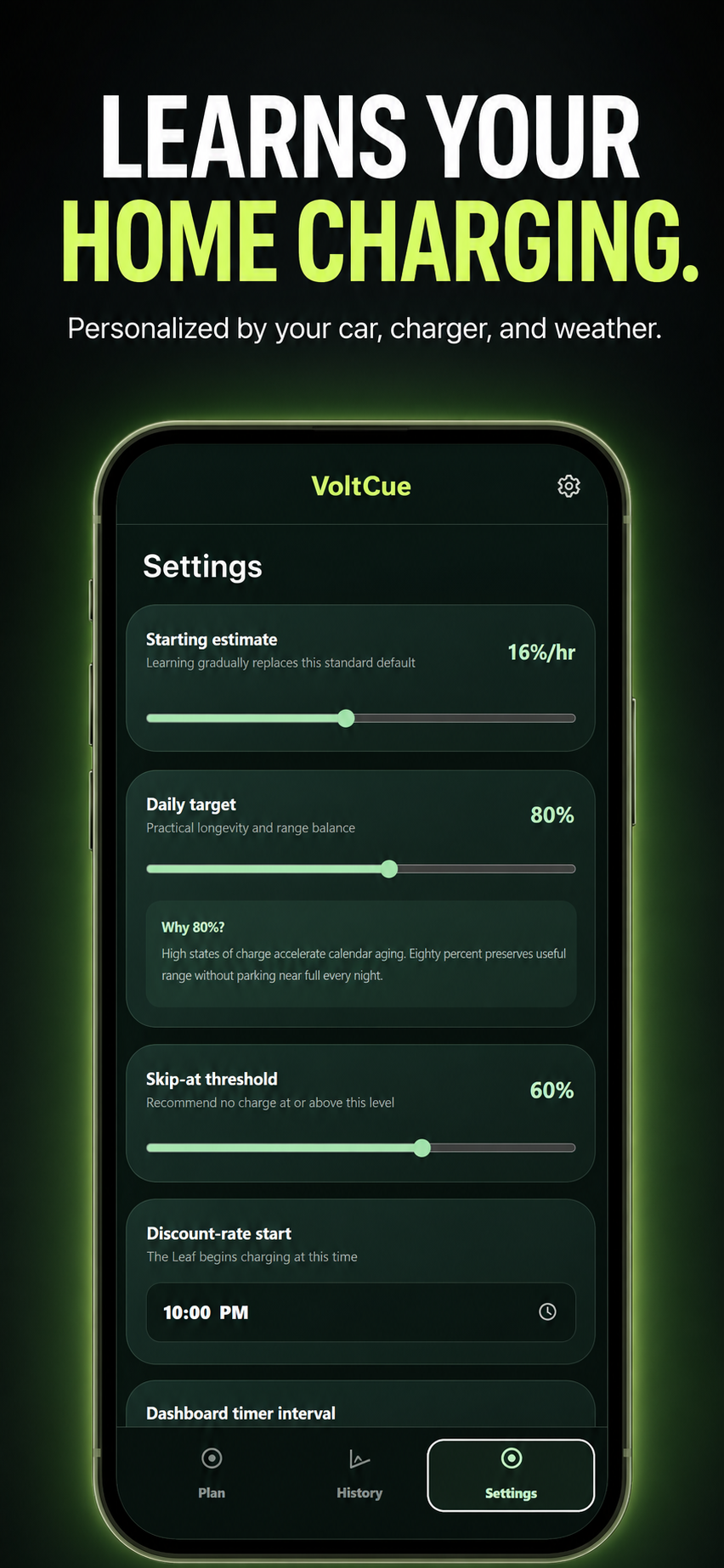
VoltCue recommends a timer setting; it does not control charging or guarantee a final percentage. Nissan and Leaf are trademarks of Nissan Motor Co., Ltd. VoltCue is an independent project and is not affiliated with or endorsed by Nissan.
THE SAME CREATIVE INSTINCT
Start with an idea. Make it real. Learn from the result. The software projects may look different from the pieces in our shop, but they come from the same curiosity, patience, and hands-on problem-solving.